
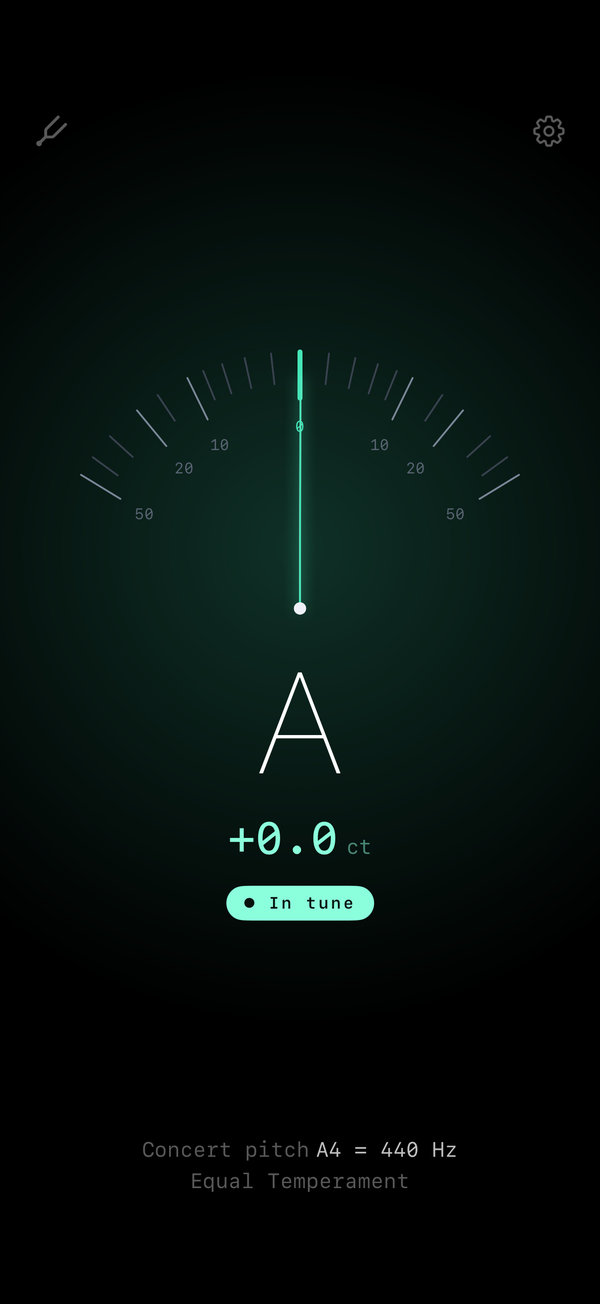
In rehearsal, in a lesson, practicing at home or minutes before the concert: with Quinta you tune very precisely and in peace. Quinta recognizes notes from the low C of the double bass (in Bass mode) up to around 1500 Hz, the F♯6.
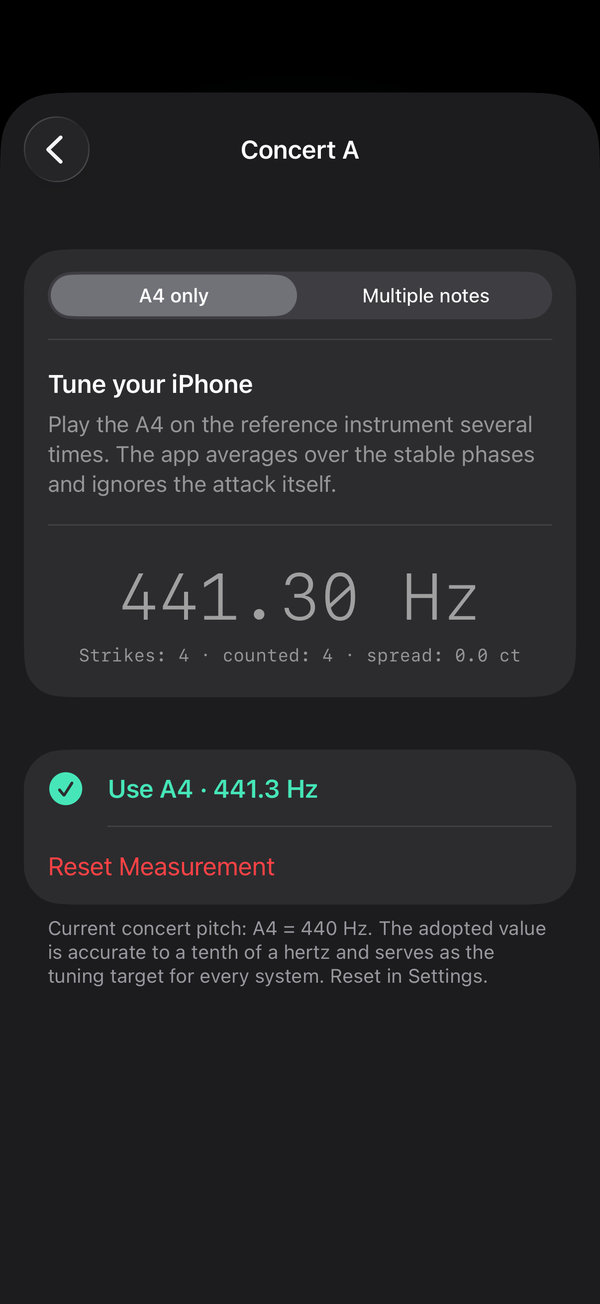
Concert A. part of Quinta Pro
Audience already arriving? Quinta fetches the concert pitch from the piano or harpsichord.
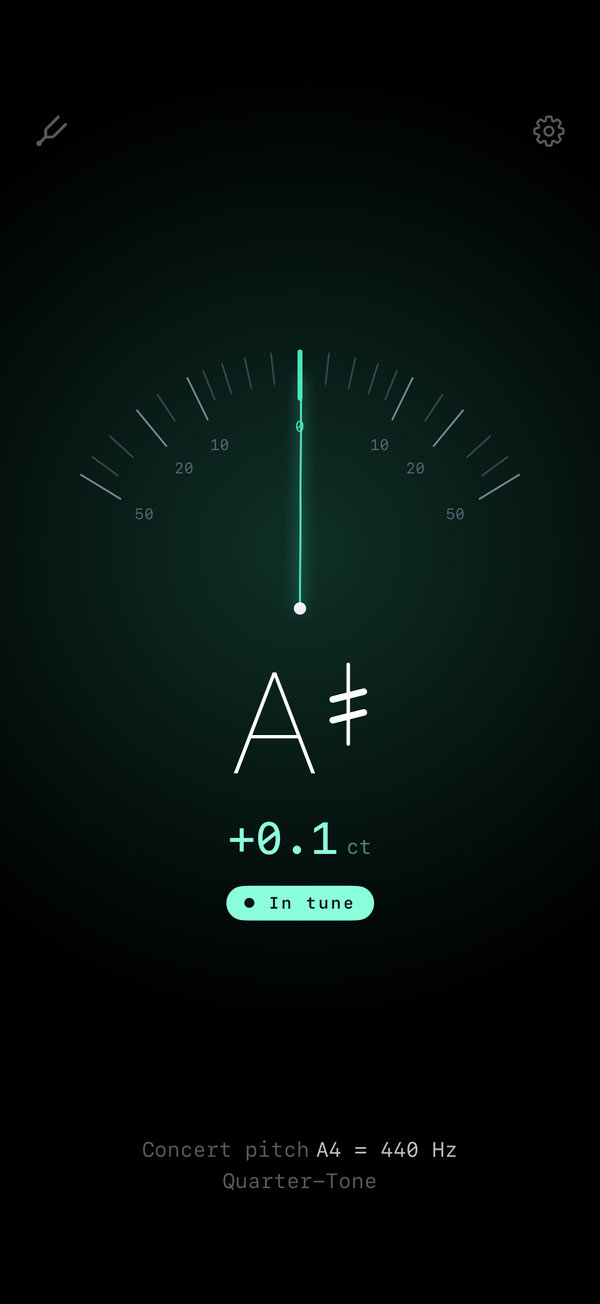
Quarter-tones or sixth-tones? part of Quinta Pro
No more guessing: contemporary music, historical temperaments and custom systems.
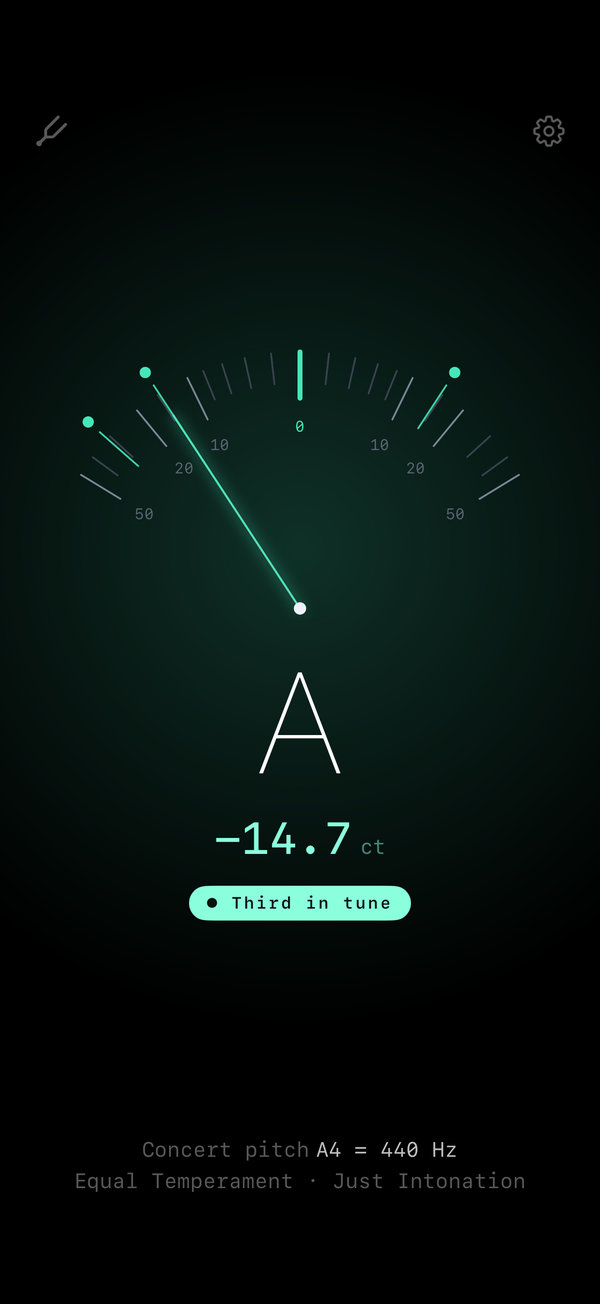
Just intonation. part of Quinta Pro
An extra mode shows you when a major third, minor third or natural seventh is pure.
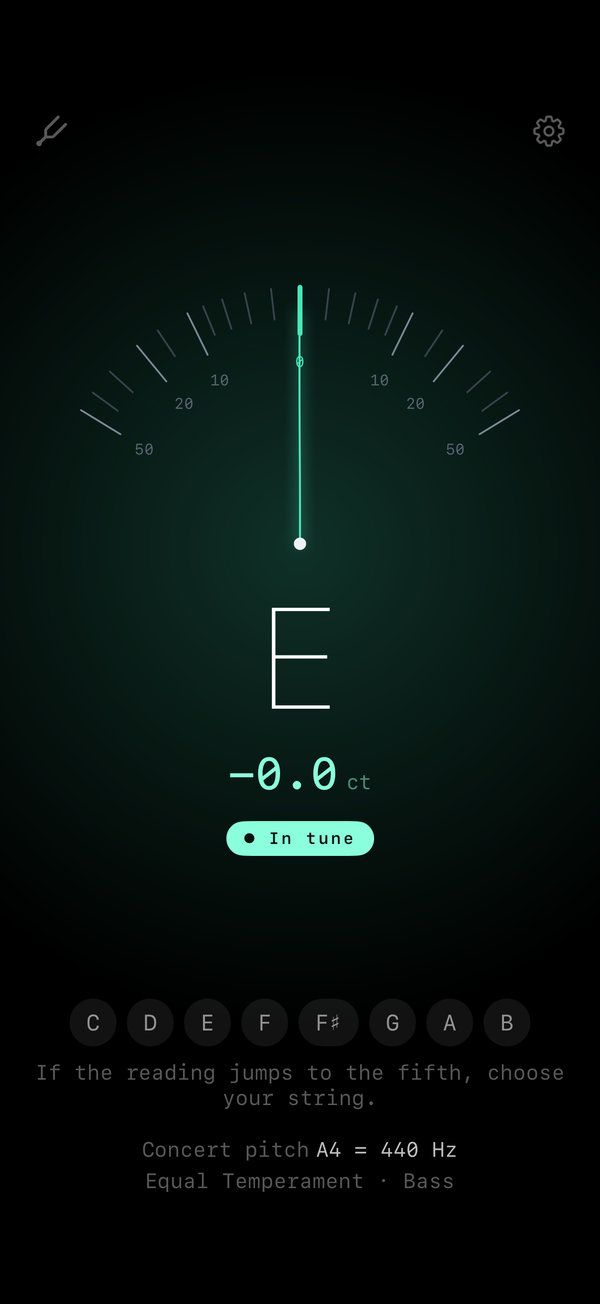
Bass mode.
Quinta loves double basses and never gets confused by their low notes.
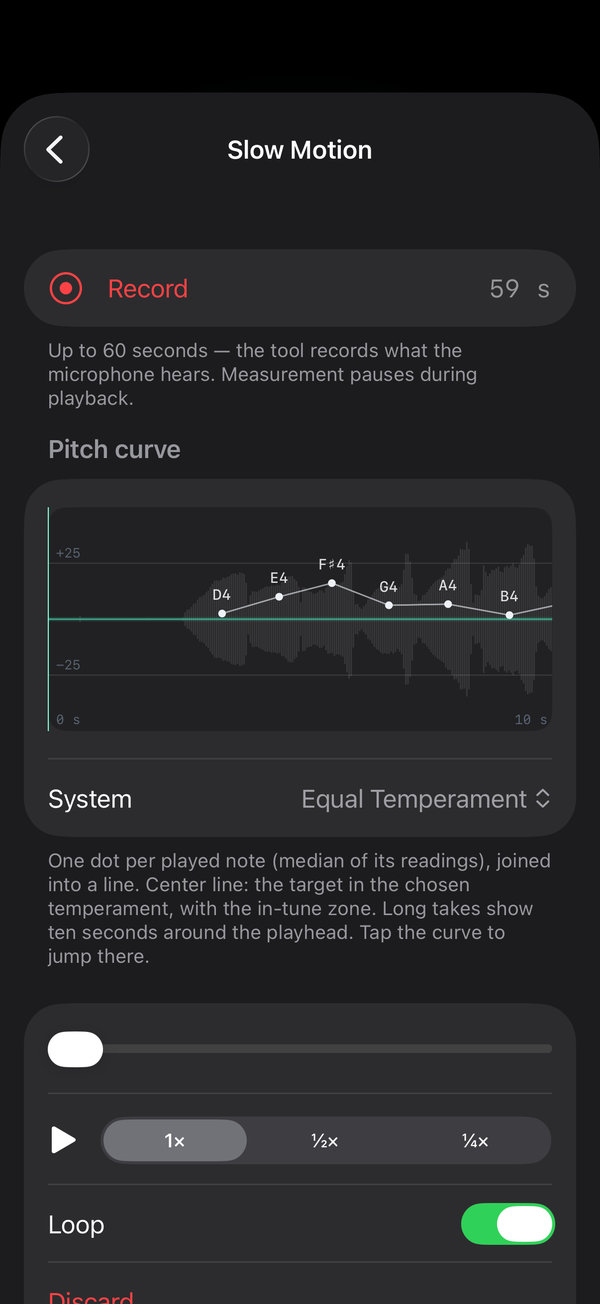
Slow motion. part of Quinta Pro
Quick take, slow listen: half the tempo, not a cent lower.
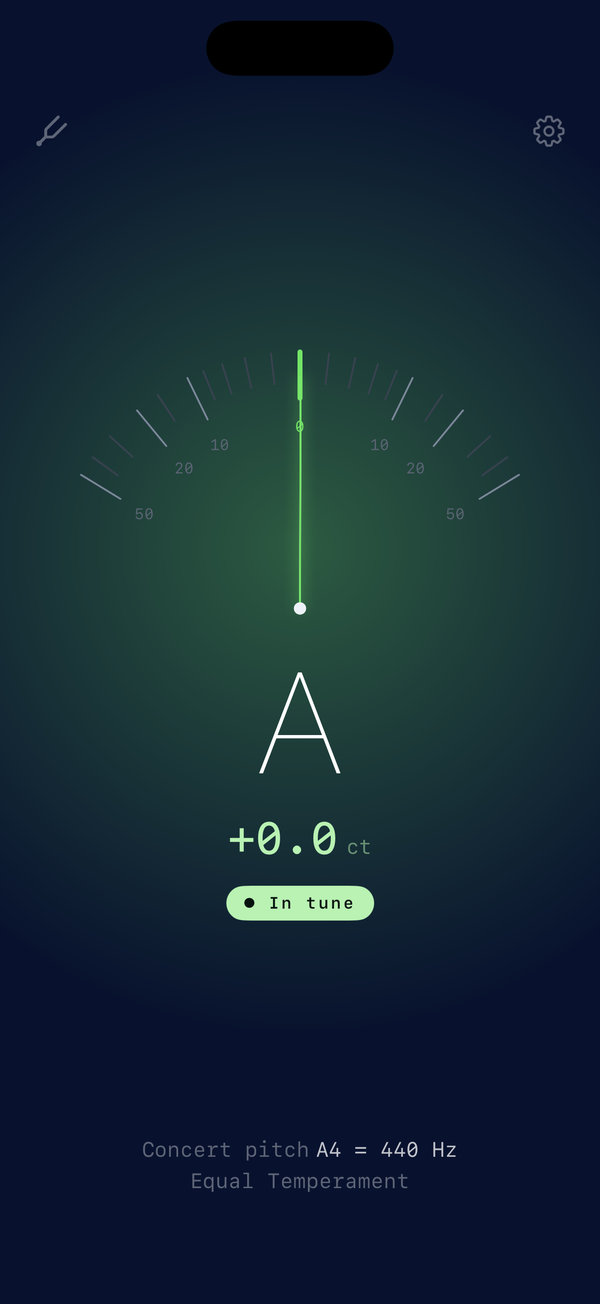
Your look. part of Quinta Pro
Five templates, four app icons, your accent. OLED black.




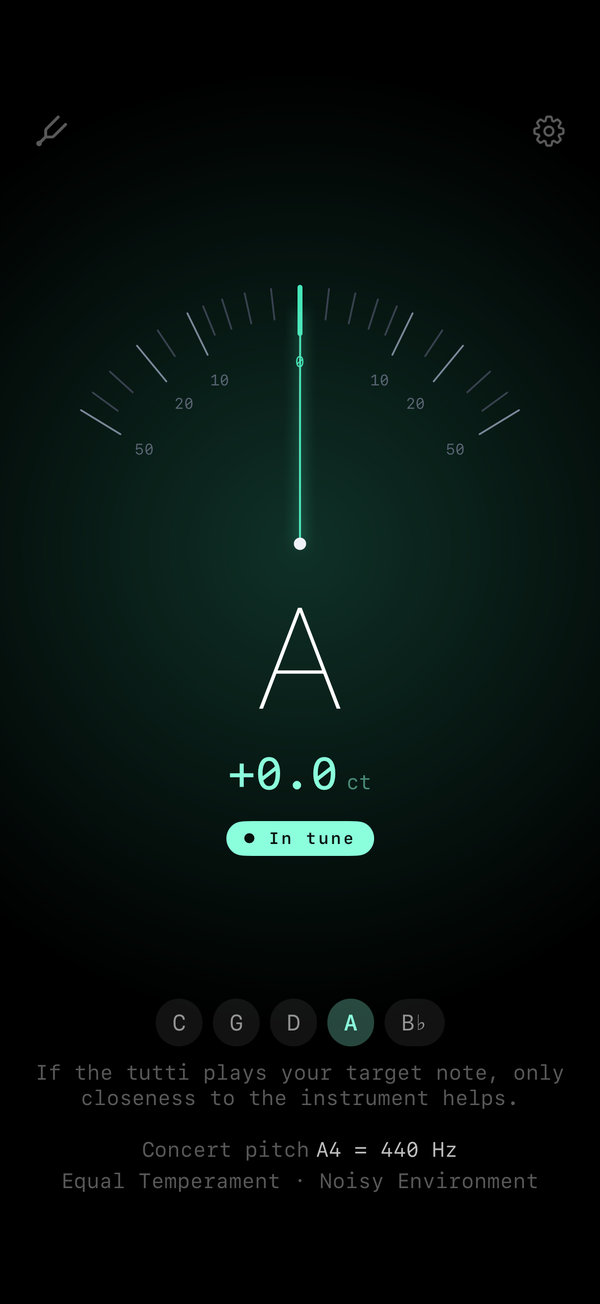
Noisy environment. part of Quinta Pro
Winds already warming up? Quinta focuses entirely on you.
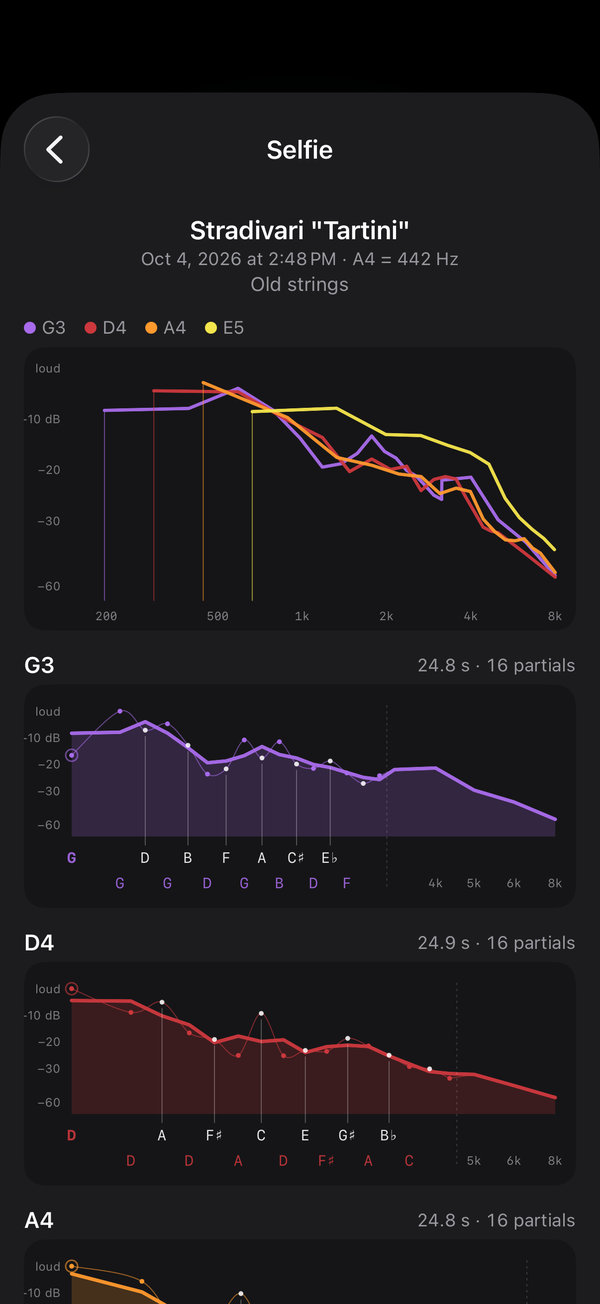
Selfie time. part of Quinta Pro
Your instrument's sound profile, note by note. Compare them over time.
Free
- Tuner screen with a calm needle and an honest display: green means in tune, nothing else, and a constant offset is never smoothed over.
- Concert pitch from 390 to 466 Hz.
- Notation in English, German (with B and H) or solfège, each with variants.
- Quick Switch: 415 in the morning, 430 in the evening? One tap on the footer opens your concert pitch presets.
- Bass mode for double bass and five-string bass. If the overtones take over, the string selector brings the fundamental back.
- Transposing display for instruments in B♭, E♭, F and A: you read the written note, Quinta measures the sounding pitch.
With Quinta Pro (one-time purchase)
- Concert A: Piano concerto? Chamber music? Quinta picks up notes from other instruments to a tenth of a hertz. If you like, you can even save an instrument’s entire tuning.
- New music? Quinta measures quarter-tones and sixth-tones, and plays them for you too.
- Early music? Quinta knows the common historical temperaments, from meantone through Werckmeister, Kirnberger, Kellner, Vallotti and Young to Pythagorean, and you can create your own; A4 always stays exactly on your concert pitch. And in meantone, G♯ is G♯, not A♭.
- Slow Motion: record a passage and listen back slowly, at half or quarter speed, with no change of pitch. Compare your intonation with a chosen temperament.
- Tuning modes: Fine Tune with a ±10-cent scale, and custom modes for every situation: concert pitch, temperament, needle and appearance in one tap.
- Just Intonation: an extra mode that shows you whether minor and major thirds are pure, and where the natural seventh lies.
- Appearance: five templates, four app icons, colors, glow and your accent on OLED black.
- Noisy Environment: the others are already warming up? Quinta listens only for your target note. If they play it too, only getting closer to your instrument helps.
- Your Sound Profile: new strings, new reed, a repair? Take a selfie of your instrument, comparable later on the same device.
- Intonation Trace: the last ten seconds of your playing as a curve, note by note.
- Live overtones: the partials of your note, while you play.
- Tone Output: sustained notes and chords up to four voices in any tuning system, including quarter-tones and sixth-tones.
- Nerd Mode: needle, stability, in-tune zone and readouts to your taste, with hertz, target and spread in a single readout line if you like.
You buy Quinta Pro once, for iPhone and iPad.
No subscription. Good vibes, guaranteed.
Privacy
Quinta uses the microphone only on your device, for measuring and for Slow Motion. Audio is neither stored nor sent, and Slow Motion forgets its take as soon as you leave the tool. No account, no ads, no tracking; settings and sound profiles stay on your device.
This website, too, sets no cookies, contains no tracking and loads nothing from other servers. Read the privacy policy
Guide and questions
How to tune and what the tools can do: the guide explains Quinta screen by screen. The FAQ also covers the limits: range, Noisy Environment, sound profiles.